Global Payment Gateway for E-commerce Success in 2025

Global E-commerce in 2025: Why Multi-Currency Payments Are Essential

Imagine this: your online store is thriving, and customers from across the globe want to buy. But then, at checkout, they face prices in a confusing foreign currency. They see unexpected fees or struggle with complicated conversions. Suddenly, their excitement fades into frustration. Consequently, they abandon their carts, and you lose a sale. This is a common and costly problem. In today’s interconnected world, if your e-commerce site doesn’t “speak” your customer’s currency, you’re losing sales, and moreover, you’re alienating potential customers. The solution? Multi-currency payment gateway. They are the magic key to unlocking truly global sales without the usual headaches.

So, what exactly is a multi-currency payment gateway? Fundamentally, it acts as your store’s multilingual cashier. It understands what currency your customers are most comfortable with. Instead of making buyers grapple with confusing conversions, your store simply shows prices in their local money. Then, it processes payments just like a local bank would. This process plays out seamlessly.

For instance, the gateway first detects the customer’s country or currency preference. Accordingly, it displays the correct prices. Therefore, customers can pay in a currency they know and trust. Finally, the system settles these payments in your chosen currency. This simple yet powerful feature makes your store more user-friendly, trustworthy, and easy to shop at, regardless of where your buyers are located. Consequently, your global presence is solidified.

MULTI-CURRENCY PAYMENT GATEWAY

Why Every E-Commerce Business Needs a Multi-Currency Gateway in 2025

There are many compelling reasons why a multi-currency payment gateway is a non-negotiable feature for any serious e-commerce business today. First and foremost, happy customers spend more. When people see prices in a familiar currency, the act of buying feels natural, much like shopping at a local store. Research indicates that almost half of all customers will abandon their cart if a site can’t offer local payment options or currency. Thus, by providing this option, you are directly addressing a major cause of cart abandonment. Secondly, with fewer surprises at checkout, you will have happier buyers and more completed purchases. As a result, your revenue will increase, and your bounce rate will drop significantly.

Furthermore, a multi-currency gateway simplifies your financial management. It eliminates the need for you to juggle multiple foreign bank accounts or worry about exchange rate volatility. The gateway handles all the complex conversions and financial reconciliations. This frees you up to focus on growing your business instead of managing financial complexities. Fourth, by catering to global customers in their own currency, you demonstrate a high level of professionalism and customer care. This attention to detail sets you apart from competitors and furthermore, earns you customer loyalty.

Lastly, a modern multi-currency gateway can help you cut costs on transaction fees. Many traditional gateways charge high exchange rates and hidden fees. Conversely, multi-currency gateways can often save you money on these charges, thereby boosting your margins on every international sale.


What Makes a Great Multi-Currency Payment Gateway?

When you’re ready to select a multi-currency payment gateway, it’s important to know what features to look for. Otherwise, you might end up with a clunky, inefficient system. First, ensure it has a wide range of currency support. A great gateway should cover all major world currencies and also some niche ones that your customers might use.

Second, dynamic currency conversion (DCC) is a key feature. This allows buyers to choose whether to pay in their local currency or your home currency. This flexibility gives them control over the transaction and builds trust. Third, strong fraud protection is non-negotiable. Global payments come with a higher risk of fraud. Therefore, your gateway must provide robust, round-the-clock security measures to protect your business.

In addition, look for flexible payout options. You should be able to receive your earnings in your preferred currency without any hassle. This makes financial reconciliation much simpler for you. Finally, smooth integration is essential. The gateway’s APIs and plugins should work seamlessly with your existing e-commerce platform, be it Shopify, WooCommerce, or another. An easy and stable integration process makes your life much easier in the long run. Consequently, you can focus on your business rather than on technical support. By carefully considering these features, you can select a gateway that not only meets your current needs but also supports your future growth. Ultimately, a good gateway is an investment in the long-term health of your business.


Choosing Your Gateway: Key Considerations in 2025

Choosing the right payment gateway is a critical decision that can significantly impact your global e-commerce success. First and foremost, you need to understand where your customers are located. Identify the countries with the most traffic to your site and ensure that the gateway you select supports those currencies. This foundational step is paramount. Subsequently, you should scrutinize the fees and exchange rates. Transparency is key here. A reputable provider will have clear, upfront pricing without any hidden costs. Nobody likes financial surprises. Additionally, compliance is a crucial factor. Your gateway must adhere to international regulations like PCI DSS and PSD2. Compliance ensures that you are handling sensitive customer data securely and legally, thus protecting both you and your customers.

Furthermore, you should prioritize providers with a strong reputation for fraud detection and customer dispute resolution. Global transactions can be a target for fraudulent activities, so having a proactive and reliable system in place is vital for your security. Before you commit to a provider, always test the integration. A smooth and stable integration with your e-commerce platform is non-negotiable for a seamless checkout experience. Although many providers advertise easy integration, it’s always wise to test it yourself. Lastly, consider the level of customer support offered by the provider. You will likely have questions or issues down the line, so having access to knowledgeable support is essential.


The Global Gateway Market: Who’s Leading the Pack?

The market for multi-currency payment gateways is dynamic, with several key players offering robust solutions tailored to different business needs. Firstly, Stripe is a favorite among developers and startups due to its powerful, flexible APIs and excellent documentation. It’s a true globetrotter’s choice, widely known for its ability to handle international payments with ease. Many e-commerce platforms integrate with Stripe, making it a very convenient option. Secondly, PayPal is a household name that is trusted by millions of customers worldwide. Its multi-currency functionality is well-established, and its brand recognition alone can boost customer confidence at checkout. PayPal also offers strong buyer and seller protection, which is a major advantage for both parties in a transaction.

Furthermore, Razorpay has emerged as a star in the Indian market, but it also offers excellent international coverage. For businesses with a strong presence in or a focus on the South Asian market, Razorpay is an incredibly robust choice. It provides a comprehensive suite of payment solutions beyond just multi-currency.

Then, there’s Adyen, a go-to for many large, global corporations. Adyen is known for its high-volume processing capabilities and sophisticated fraud detection systems. It is also a very reliable and scalable solution for businesses experiencing rapid growth. Finally, there are specialized services like Digital Payment Guru that offer a more tailored approach. These consultancies can guide you through the complexities of the gateway jungle and provide custom integrations to ensure your multi-currency strategy is successful.


Conclusion

In 2025, if your dream is to have a truly global online store, a multi-currency payment gateway isn’t just a luxury feature; it’s an absolute necessity. It serves as the critical bridge that transforms international browsers into paying customers. It does this by breaking down barriers related to currency, language, and trust. By offering a localized payment experience, you are telling your customers, “We value your business.” This is a powerful message that resonates and builds loyalty.

Therefore, the choice is clear. If you want your business to grow beyond local borders, you must embrace a global mindset. A multi-currency payment gateway is the first and most important step in that direction. Select a gateway that fits your business needs perfectly, and watch your sales and brand recognition expand across the globe. Are you ready to unlock the world? The tools are available, the market is waiting, and the time to act is now.

FAQs

  1. What is a multi-currency payment gateway, and how does it benefit my e-commerce business?
    A multi-currency payment gateway lets your store accept payments in various currencies worldwide, improving the customer experience by showing prices in local currency and boosting global sales.
  2. How does a multi-currency payment gateway work during the checkout process?
    It detects the buyer’s currency preference, converts the amount using real-time exchange rates, processes payment securely, and settles money in your chosen currency without forced conversions.
  3. Why is offering local currency payment options important for international customers?
    Displaying prices in a customer’s own currency reduces confusion and cart abandonment while building trust and increasing conversion rates.
  4. What features should I look for when choosing a multi-currency gateway for my store?
    Look for wide currency support, dynamic currency conversion, strong fraud protection, flexible settlement options, and seamless integration with your e-commerce platform.
  5. Can I accept both domestic and international payments through the same multi-currency payment gateway?
    Yes, many gateways enable handling domestic and multi-currency transactions from one dashboard or API, simplifying payment management.

Also Read: Your Guide to Mobile App Gateway Integration

Your Guide to Mobile App Gateway Integration

Easy Mobile App Payment Gateway Integration

Picture this: Your shiny new app has just launched, and users are pouring in with excitement. They fill their carts, ready to buy—and then, disaster strikes at checkout. The payment fails. Frustrated, they abandon their purchase, leave a one-star review, and vanish. Painful, right? In 2025, a smooth, snag-free payment process isn’t just nice to have—it’s absolutely crucial for your app’s success. Ready to turn that checkout chaos into cheers? Let’s explore how to seamlessly add payment gateways to your mobile app and keep your customers coming back for more why payment gateway integration is important.


Why Mobile App Payments Are Game-Changers in 2025

Mobile sales worldwide are projected to hit a staggering $7.4 trillion this year. But here’s the catch: a messy checkout can send potential buyers running. Adding payment gateways isn’t just plugging in code—it’s a mix of tech know-how, security smarts, and user-friendly flows. Don’t worry, though—this guide, with proven tips and a nod to payment pros like Digital Payment Guru, will help you turn hurdles into wins.

Keywords to keep in mind here: mobile app payment gateway integration, payment gateway for mobile apps, easy mobile payments, app checkout solutions.


What Exactly Is a Payment Gateway (and Why Should You Care)?

Think of a payment gateway like the friendly cashier at a busy store—it safely moves money from your customer’s card or wallet right into your bank account. When it works flawlessly, shoppers pay without giving it a second thought. When it falters, you lose a sale—and sometimes, a customer forever.

Here’s why a great payment gateway is your app’s best friend:

  • Boost Your Sales: Did you know a speedy checkout can slash cart abandonment by up to 70%? That’s a lot of saved orders!
  • Build Trust: Customers like quick and secure payments—they feel confident returning to your app.
  • Go Global: Supporting local payment methods and multiple currencies opens doors to new markets.
  • Keep Cash Flowing: Fast payouts keep your business running smoothly.

The Real Roadblocks When Adding Payment Gateways (And How to Dodge Them)

Adding payment tech can feel like trying to solve a jigsaw puzzle… with a few missing pieces. Here are the top challenges you’ll encounter, and why they matter:

  • Confusing Tools & APIs: When developer guides read like ancient spells, it’s tough to make progress. Delays cost money and patience.
  • Test Results Don’t Match Reality: Your gateway may ace in tests but flop in the real world where internet outages, fraud attempts, and heavy usage happen.
  • Device Drama: A checkout that’s buttery smooth on iPhones might be clunky on some Androids, driving users away.
  • Security Nightmares: Handling sensitive data comes with rules—miss them and you risk hacks or serious fines.
  • Skipping Local Payment Options: Not integrating popular methods like UPI in India or Alipay in China means waving goodbye to huge customer bases.
  • Long, Clunky Checkouts: Lengthy forms are a sure-fire way to lose impatient mobile users.
  • Vague Error Messages: “Payment failed” doesn’t cut it—users want clear reasons and easy retry options.
  • Outdated Software: Using old SDKs can cause crashes and expose you to vulnerabilities.

Simple Fixes to Make Your Payments Shine (Digital Payment Guru Approved)

The good news? These challenges are totally fixable. Here’s how you can turn the tide—and why Digital Payment Guru should be on your speed dial:

Choose Support-Stellar Gateways

Look for payment gateways known for clear documentation and fast developer help—Stripe, Razorpay, and PayU are solid picks. Or better yet, Digital Payment Guru can connect you to the gateway that fits your app like a glove.

Pro Tip: Grab sample code early to speed up your setup.

Test Like Life Depends on It

Run tests that simulate real-world messiness—bad Wi-Fi, fake declined cards, fraud scenarios. Digital Payment Guru even helps craft realistic test cases for peace of mind.

Pro Tip: Throw in fake declined cards to spot weak spots early.

Ensure Smooth Sailing on Every Device

Pick tools tested and proven for both iOS and Android. Lightweight SDKs keep checkout fast and frustration low.

Pro Tip: Check your app on popular devices to catch hiccups before users do.

Lock It Down With Top-Tier Security

Secure your payments by:

  • Tokenizing card info to keep it safe
  • Using HTTPS everywhere
  • Adding extra login steps where needed
  • Employing AI fraud detectors

Digital Payment Guru ensures your compliance with PCI-DSS and other safety standards so users feel confident every time they pay.

Pro Tip: Schedule quarterly security checkups.

Speak Local Payments & Global Currencies

Offer payment options your customers love—UPI, Klarna, Alipay, PayU, or multi-currency pricing shows you care about their preferences and convenience.

Pro Tip: Display prices in the user’s local currency to increase trust.

Keep Checkouts Quick & Painless

Short forms + autofill + guest checkout + securely saved info = happier customers and more sales.

Pro Tip: Use progress bars so users know exactly how close they are to finishing.

Fix Error Messaging 101

Say goodbye to vague errors. Use friendly, specific messages (“Card declined? Try another one”) and let users retry without hassle.

Pro Tip: Test your messages on friends or testers to ensure clarity.

Keep Your Tech Fresh

Stay ahead by updating your payment SDKs regularly to avoid bugs or security gaps.

Pro Tip: Set monthly reminders for software updates.


Payment Trends You Can’t Ignore in 2025

Get a leg up with these sizzling trends:

  • Smart Routing: AI-powered gateways like Razorpay pick the best payment route, boosting success rates.
  • Bye-Bye App Store Cut: Tools like Paddle and RevenueCat help you manage subscriptions without hefty fees.
  • Biometric Pay: Fingerprints, Face ID, and voice payment options are becoming standard.
  • New Payment Styles: Buy Now, Pay Later and crypto options attract younger buyers.

These innovations keep your app competitive and future-ready.


Why the Right Gateway & Experts Matter

Integrating payment gateways isn’t just tech work—it’s about building a seamless, trustworthy experience that keeps customers coming back. Whether it’s PayPal, Stripe, Razorpay, or PayU, the right choice transforms your app. Need help? Digital Payment Guru is your guide to picking the perfect gateway, setting it up right, and making payments stress-free.


Wrap-Up: Turn Payments Into Magic

Great payments aren’t noticed because they’re flawless. In 2025, a smooth checkout is more than a transaction—it’s an experience that influences sales, trust, and growth. Throwing up your hands over technical headaches? No worries! With simple fixes, expert advice, and the right tools, your app can dazzle shoppers and keep them loyal.

Ready to supercharge your payments? Start with top names like Stripe or Razorpay, or reach out to Digital Payment Guru to make payment headaches a thing of the past. Your customers deserve a checkout that’s fast, secure, and simple—let’s make that happen.

FAQs

  1. What exactly is a payment gateway, and why is it important for my mobile app?
    A payment gateway securely processes customer payments, acting like a digital cashier, enabling smooth transfers from card or wallet to your bank. It boosts sales, trust, and enables global transactions.
  1. What are the common challenges I might face when integrating payment gateways into my mobile app?
    Challenges include confusing APIs, testing that doesn’t reflect real use, device compatibility issues, security concerns, missing local payment options, clunky checkouts, vague errors, and outdated tools.
  1. How can I ensure a secure and compliant payment system while integrating a payment gateway?
    Use tokenization, HTTPS, multi-factor authentication, and AI fraud detection. Choose PCI-DSS–compliant gateways and regularly audit security measures to keep customers’ data safe.
  1. What payment methods should I include to maximize conversions and reach?
    Include popular local and global options such as UPI (India), Alipay (China), multi-currency pricing, and emerging ways like Buy Now, Pay Later and biometric payments to cater to diverse customers.
  1. How can Digital Payment Guru help me with payment gateway integration?
    Digital Payment Guru offers expert guidance to select the perfect gateway, assists with setup and testing, ensures security and compliance, and helps tailor the payment experience to your app’s unique needs.

Compare Payment Gateways 2025: PayPal, Stripe, Razorpay, PayU

payment gateway picture

Running an online business in 2025 is like being a superhero in a digital universe—your payment gateway is your trusty sidekick, ensuring smooth transactions, happy customers, and a healthy bottom line. With giants like PayPal, Stripe, Razorpay, and PayU vying for your attention, choosing the right one can feel like picking a favorite Avenger. Each gateway has its superpowers, but the “best” depends on your business’s unique needs—whether it’s low fees, lightning-fast payouts, or seamless global reach.

In this fun, no-nonsense guide, we’ll dive deep into the 2025 payment gateway arena, comparing fees (including India’s pesky 18% GST), payout times, and must-have features. We’ll also spotlight why integration matters and how experts like Digital Payment Guru can make it a breeze. By the end, you’ll know exactly which gateway fuels your growth without burning a hole in your wallet. Let’s jump in!


Why Your Payment Gateway Choice Is a Game-Changer

Your payment gateway isn’t just a tool to process card swipes or UPI taps—it’s the heartbeat of your online hustle. Here’s why it’s a big deal in 2025:

  • Profit Power: Transaction fees (aka TDR) can nibble away at your margins like a sneaky squirrel. A 1% fee difference on ₹10 lakh monthly sales? That’s ₹10,000 saved yearly!
  • Cash Flow Swagger: Fast payouts keep your business humming—delays can leave you scrambling for funds.
  • Customer Wow Factor: Smooth checkouts with UPI, BNPL, or wallets boost conversions, while robust fraud protection builds trust.

India’s UPI ecosystem is a juggernaut, processing over 15 billion transactions monthly in 2025, making local gateways a must for domestic businesses. Meanwhile, global e-commerce in India is projected to hit $200 billion, so cross-border sellers need gateways with international muscle. Whether you’re a freelancer, SME, or enterprise, let’s find your payment soulmate!


Meet the Contenders: Fees, Payouts, and Features

1. PayPal: The Global Trust Titan

Fees:

  • Domestic: 2.29%–3.49% + $0.49 per transaction (roughly ₹40–50 in India, depending on payment type).
  • International: Add 1.5% cross-border fee + up to 4% currency conversion (total ~3.9%–4.5%).
  • Micropayments (under $10): 5% + $0.05.
  • No setup/monthly fees, but India’s 18% GST applies.

Payout Times:

  • Instant to your PayPal wallet—cha-ching!
  • Bank transfers: 1–3 business days (standard); instant to debit cards for a 1% fee (min $0.25, max $25).

Features That Rock:

  • Global reach: 200+ markets, 25+ currencies—perfect for borderless hustlers like exporters or freelancers.
  • Recurring billing, invoicing, and Buy Now Pay Later (BNPL) via partners like PayPal Pay Later.
  • Unmatched trust: Shoppers see the PayPal logo and feel safe, boosting conversions.
  • Easy integrations with Shopify, WooCommerce, Wix, and more, plus a slick mobile app for managing payments on the go.
  • Robust buyer/seller protection and fraud detection keep scams at bay.

Who’s It For? Businesses targeting international customers who value trust over pinching pennies on fees. Think global freelancers, Etsy sellers, or cross-border e-commerce.

Pro Tip: PayPal’s fees sting for high volumes, so pair it with a low-cost local gateway for domestic sales. Watch those currency conversion fees—they’re sneakier than a cat burglar!


2. Stripe: The Developer’s Dream Machine

Fees:

  • Domestic cards: 2.9% + $0.30 (₹2 in India).
  • International cards: Add 1% (total ~3.9%).
  • ACH/bank transfers: 0.8% (capped at $5).
  • No setup/monthly fees; high-volume businesses can negotiate custom rates.

Payout Times:

  • Standard: 2–7 business days (T+2 in India).
  • Instant payouts: 1% extra for same-day cash.

Features That Rock:

  • Developer heaven: Powerful APIs let you craft custom payment flows for subscriptions, marketplaces, or SaaS.
  • Supports 135+ currencies and 100+ payment methods (cards, Apple Pay, Klarna, Affirm).
  • Stripe Radar’s AI-powered fraud detection (0.05–0.07¢ extra per transaction) stops fraudsters cold.
  • No-code integrations with Shopify, Wix, and WooCommerce make it accessible for non-techies too.
  • Invoicing, recurring billing, and tax automation for scaling like a pro.

Who’s It For? Tech-savvy startups, SaaS platforms, or global brands needing flexibility and scalability.

Pro Tip: Stripe’s sandbox mode lets you test integrations for free—perfect for tweaking before going live. Non-coders, lean on plugins for quick setups!


3. Razorpay: India’s UPI Rockstar

Fees:

  • Domestic (UPI/RuPay debit): 0% MDR (interchange fees may apply for wallets >₹2,000).
  • Cards/net banking/wallets: 2% + 18% GST.
  • International cards: 3–4% + GST.
  • No setup/maintenance fees; volume discounts for big players.

Payout Times:

  • Standard: T+2 working days.
  • Instant settlements: 1% extra for same-day cash.

Features That Rock:

  • 100+ payment modes: UPI, cards, net banking, BNPL, EMI—everything Indian shoppers love.
  • UPI AutoPay for subscriptions and a snazzy analytics dashboard with AI insights.
  • Seamless plugins for Shopify, WooCommerce, Magento, and more.
  • RazorpayX handles vendor payouts and forex transfers like a boss.
  • PCI-DSS compliant with robust fraud protection for peace of mind.

Who’s It For? Indian SMEs, D2C brands, and edtech platforms leaning hard into UPI and subscriptions.

Pro Tip: UPI’s zero fees make Razorpay a steal for domestic sales—90% of India’s transactions are UPI in 2025!


4. PayU: The Budget-Friendly Local Hero

Fees:

  • Domestic (cards/UPI/wallets): 2% + 18% GST.
  • International/EMI/Amex: 3% + GST.
  • No setup fees; annual maintenance negotiable for high-volume merchants.

Payout Times:

  • Standard: T+2–3 working days.
  • Quick settlements: Extra fee for same-day payouts.

Features That Rock:

  • 150+ payment options: UPI, cards, wallets, BNPL, and QR codes.
  • Strong presence in India, LatAm, and Africa—great for emerging markets.
  • Recurring billing, EMI, and multi-currency support for versatile checkouts.
  • Easy integrations with WooCommerce, Magento, and PrestaShop.
  • AI-driven fraud detection keeps your transactions secure.

Who’s It For? Indian startups and SMEs looking for affordability and diverse local payment options.

Pro Tip: PayU’s low domestic fees and UPI support make it a go-to for budget-conscious retailers.


5. Bonus Contenders to Keep on Your Radar

  • CCAvenue: 2% + GST (domestic), 3–4% (international). T+2–3 payouts. 200+ payment options, dynamic routing for 99%+ success rates, and multilingual checkouts. Best for Indian enterprises needing every bank imaginable (e.g., B2B wholesale).
  • Cashfree: 1.90% + GST (0.5% UPI); T+1 or instant payouts (1% extra). 180+ modes, bulk payouts (30,000/day), and Tally integration. Ideal for marketplaces or gig platforms needing fast vendor transfers.
  • Instamojo: 2% + ₹3 + GST (passable to customers for zero cost); 5% + ₹3 for digital goods. T+3 or faster payouts. Payment links and smart pages for creators selling courses, PDFs, or services. Perfect for freelancers and solopreneurs.

Quick Comparison Chart to Seal the Deal

GatewayDomestic FeesInternational FeesPayout TimeBest For
PayPal2.29–3.49% + $0.49~4% + FX1–3 days (instant)Global trust, multi-currency
Stripe2.9% + $0.30~3.9% + FX2–7 days (instant)Scalable, dev-friendly
Razorpay2% + GST (0% UPI)3–4% + GSTT+2 (instant)Indian SMEs, UPI dominance
PayU2% + GST3% + GSTT+2–3 (quick)Budget-friendly Indian startups
CCAvenue2% + GST3–4% + GSTT+2–3 daysEnterprises, local banks
Cashfree1.90% + GST (0.5% UPI)3% + GSTT+1 (instant)Marketplaces, fast payouts
Instamojo2% + ₹3 + GST5% + ₹3 + GSTT+3 (faster opt.)Creators, zero-fee option

Note: Fees exclude GST (18% in India); FX adds 1–4%. Payouts vary by risk/volume. Check provider sites for exact rates.


How to Pick Your Payment Gateway Soulmate

Choosing the right gateway is like dating—you need chemistry and compatibility. Here’s the 2025 playbook:

  • Global Ambitions? PayPal’s trusted name and Stripe’s customization are your wingmen. Stripe shines for complex flows like SaaS or marketplaces.
  • India-First? Razorpay or PayU dominate with UPI (0–2% fees). Cashfree’s T+1 payouts are a cash-flow lifesaver.
  • Freelancer or Creator? Instamojo’s payment links and zero-fee option (pass to customers) are pure magic. PayPal for global gigs.
  • Enterprise Vibes? CCAvenue’s 200+ options and custom rates handle high-volume chaos like a pro.

2025 Trend Alert: UPI’s zero MDR makes local gateways unbeatable for India, but global sales need PayPal or Stripe’s currency chops. Test gateways in sandbox mode to avoid integration hiccups, and keep an eye on RBI’s evolving MDR policies.


Integration: Don’t Get Tangled in the Tech Web

Picking a gateway is half the battle—integrating it is where things get real. APIs range from plug-and-play (Instamojo, PayU) to dev-intensive (Stripe). If coding feels like wrestling a digital octopus, call in the pros. Digital Payment Guru specializes in payment gateway integration, making setups for PayPal, Stripe, Razorpay, or PayU smooth, secure, and tailored to your business. Their experts handle PCI compliance, API quirks, and testing, so you can focus on scaling your empire, not debugging code. With Digital Payment Guru, your gateway will be up and running faster than you can say “cha-ching”!


Final Thoughts: Your Payment Gateway, Your Superpower

In 2025, your payment gateway is your business’s secret weapon. Razorpay and Cashfree lead India’s UPI revolution, while PayPal and Stripe rule global e-commerce. Cashfree’s 1.90% fees save big for high volumes, but Stripe’s fraud-fighting AI and PayPal’s trust factor are gold. Compare fees, test payouts, and align features with your goals—whether it’s UPI dominance or multi-currency mastery.

Don’t go it alone. With Digital Payment Guru, integration becomes a stress-free superpower, letting you focus on delighting customers and boosting revenue. Ready to supercharge your 2025 growth? Pick your gateway, integrate smart, and let your business soar!

FAQs

  1. What should I prioritize when selecting a payment gateway?
    Focus on your business needs! Key factors include transaction fees (e.g., Razorpay’s 0% UPI MDR vs. PayPal’s 3.49% domestic), payout speed (Cashfree’s T+1 vs. Stripe’s 2–7 days), and features like UPI support or multi-currency options. Consider your target market—global (PayPal, Stripe) or India-first (Razorpay, PayU)—and whether you need integrations for platforms like Shopify.
  2. How do fees impact my business in 2025?
    Fees can make or break your margins. A 1% difference on ₹10 lakh monthly sales equals ₹10,000 annually. In 2025, UPI’s zero MDR (e.g., Razorpay, Cashfree) is a game-changer for India, while international transactions (e.g., PayPal’s 4%+ FX) add costs. Check volume discounts and GST (18% in India) to calculate your true cost.
  3. Which gateway offers the fastest payouts?
    Speed varies by provider. Cashfree leads with T+1 payouts (instant for 1% extra), while Razorpay and PayU offer T+2 (instant for 1% extra). PayPal gives instant wallet access, with bank transfers taking 1–3 days. Instant options are pricier but great for cash flow—choose based on your urgency.
  4. How can I integrate a payment gateway without tech headaches?
    Integration can be tricky, especially with complex APIs (e.g., Stripe). For a seamless setup, partner with experts like Digital Payment Guru, who handle PCI compliance, testing, and platform-specific plugins (Shopify, WooCommerce) tailored to your business. This saves time and ensures security.
  5. Is UPI the future for Indian businesses in 2025?
    Absolutely! With 15+ billion monthly UPI transactions, gateways like Razorpay (0% UPI MDR) and PayU (2% + GST) are unbeatable for domestic sales. However, if you’re eyeing global markets, Stripe or PayPal’s multi-currency support is essential. A hybrid approach—UPI locally, global gateways internationally—might be your winning strategy.

Also Read: Your Guide to Mobile App Gateway Integration

How to Choose the Right Payment Gateway for Your Business in 2025

If you run an online business in 2025, one thing is non-negotiable: a seamless payment experience. No matter how great your products or services are, if your customers can’t pay easily and securely, you risk losing them at the checkout page.

That’s where payment gateways come in. But with so many options available, how do you choose the right one for your business?

Let’s break it down in simple, professional, and fun-to-read terms so you can make the right decision and keep your customers smiling (and paying!).

What Is a Payment Gateway (and Why Should You Care)?

Think of a payment gateway as a digital cashier. When a customer enters their card or UPI details, the gateway makes sure the money safely travels from their bank to your business account.

Without it, your online store is just a digital window-shopping experience. With it, you can:

  • Accept payments 24/7 from anywhere in the world.
  • Protect sensitive data with advanced encryption.
  • Offer multiple payment methods like credit cards, debit cards, UPI, wallets, and BNPL (Buy Now, Pay Later).

In short: a good payment gateway = smoother sales + happier customers + fewer headaches.


Why Choosing the Right Payment Gateway in 2025 Matters

The payment industry has changed dramatically. Customers now expect:

  • Faster checkouts (nobody wants to fill endless forms).
  • More options (cards, UPI, wallets, net banking, crypto in some cases).
  • Zero payment failures (every failed attempt means lost trust).

And let’s not forget—businesses need:

  • Low transaction fees.
  • Strong fraud prevention.
  • Easy integration with websites, apps, or e-commerce platforms.

With so much at stake, choosing the right payment gateway is more than a technical decision—it’s a business growth decision.


Factors to Consider When Choosing a Payment Gateway in 2025

Here’s your friendly guide to making the best choice:

1. Transaction Fees and Pricing

Every gateway charges fees—usually a small percentage of each transaction plus a fixed amount. In 2025, fees may vary depending on:

  • Payment method (card vs. UPI vs. wallet).
  • Domestic vs. international transactions.
  • Volume of sales (higher sales can mean lower rates).

💡 Pro Tip: Don’t just go for the cheapest. Choose value over cost—better reliability and support often justify slightly higher fees.


2. Payment Methods Supported

Customers want choice. In India especially, UPI is king, but cards, wallets, and net banking still matter. International businesses may need PayPal, Apple Pay, or even crypto gateways.

If your gateway doesn’t support what your customers prefer, you’ll lose sales.


3. Security and Compliance

In 2025, cyber fraud is more sophisticated than ever. Look for gateways with:

  • PCI DSS compliance.
  • Tokenization and encryption.
  • AI-based fraud detection.

Your customers need peace of mind that their money (and data) is safe.


4. Checkout Experience

Did you know that 70% of cart abandonments happen because of complicated or slow checkouts?

A great payment gateway should:

  • Load fast.
  • Offer one-click payments for repeat customers.
  • Work smoothly on both desktop and mobile.

The smoother the checkout, the more sales you’ll close.


5. Integration and Compatibility

Your gateway should play nicely with your systems:

  • E-commerce platforms (Shopify, WooCommerce, Magento).
  • CRMs or ERPs.
  • Mobile apps.

This is where a good integration partner comes in handy. For example, Digital Payment Guru is a trusted company that helps businesses integrate payment gateways seamlessly. They handle the tech, so you can focus on sales.


6. Customer Support

Imagine your payment system goes down on a busy weekend sale. Who do you call?

Choose a provider with:

  • 24/7 support.
  • Fast issue resolution.
  • Clear communication.

Great support is the safety net your business can’t do without.


7. Scalability and Global Reach

Planning to expand globally? Choose a gateway that:

  • Supports multiple currencies.
  • Handles international regulations.
  • Offers localized payment methods.

Scaling your business is easier when your payment system grows with you.


Top Trends in Payment Gateways for 2025

Before we shortlist, let’s peek at what’s trending:

  • UPI continues to dominate in India.
  • Contactless and one-tap payments are the norm.
  • Subscription and recurring payments are growing fast.
  • AI-based fraud detection is becoming standard.
  • BNPL (Buy Now, Pay Later) is a customer favorite.

Choosing a gateway that supports these trends ensures your business stays future-ready.


How Digital Payment Guru Can Help

Here’s the thing: selecting a gateway is one part of the puzzle. Integrating it properly is the real game-changer.

That’s where Digital Payment Guru shines. They are experts in payment gateway integration, helping businesses of all sizes set up smooth, secure, and scalable systems.

Whether you’re a startup launching your first store or an enterprise managing large-scale payments, Digital Payment Guru ensures your checkout works like magic. They simplify the technical stuff, so your customers get a frictionless experience—and you get peace of mind.

If you’re serious about growth in 2025, working with specialists like them is a smart move.


Step-by-Step: How to Choose the Right Payment Gateway

Let’s put it all together:

  1. Identify customer needs. Do they prefer UPI, cards, or wallets?
  2. Evaluate pricing. Compare transaction fees across providers.
  3. Check for security. Ensure PCI DSS compliance and fraud protection.
  4. Test the checkout flow. Is it smooth, mobile-friendly, and fast?
  5. Ensure integration. Use experts like Digital Payment Guru to avoid hiccups.
  6. Check customer support. Availability matters more than you think.
  7. Think long-term. Choose a gateway that can scale with your growth.

Common Mistakes to Avoid

  • Picking the cheapest option without considering reliability.
  • Ignoring customer preferences (for example, skipping UPI in India).
  • Not testing the checkout experience before going live.
  • Failing to plan for international expansion.
  • Trying to integrate alone without expert help.

Avoid these, and you’re already ahead of most businesses.


Final Thoughts

In 2025, choosing the right payment gateway isn’t just about processing money—it’s about building trust, reducing friction, and boosting conversions.

Here’s the simple truth:

  • Customers want choice and speed.
  • Businesses need security and scalability.
  • The right gateway delivers both.

And remember: integration matters just as much as selection. That’s why companies like Digital Payment Guru are invaluable—they take the complexity out of the process so your business can focus on growth.

So, whether you’re a startup, SME, or enterprise, make 2025 the year you invest in the right payment gateway. Your checkout page is where deals are sealed—make sure it’s as smooth as possible.

Because at the end of the day, the easier it is for customers to pay, the faster your business gets paid.

FAQs

1. What is the most important factor to consider when choosing a payment gateway?

Security is paramount to protect customer data and your business from fraud. Transaction fees are also crucial as they directly impact your profitability.

2. Why is security so critical for payment gateways in 2025?

Cyber fraud is highly sophisticated, so a secure gateway with PCI DSS compliance, encryption, and AI-based fraud detection is essential to protect sensitive data, build customer trust, and safeguard your brand’s reputation.

3. How important is it for a payment gateway to support multiple payment methods?

It is extremely important. Offering a variety of payment methods like cards, UPI, and digital wallets reduces cart abandonment, increases customer convenience, and boosts sales.

4. Can I integrate a payment gateway myself, or should I use a professional service?

While simple integrations may be possible, using a professional service like Digital Payment Guru is highly recommended. They ensure proper, secure, and seamless integration, allowing you to avoid technical issues and focus on your business.

The Latest UPI Updates 2025: New Rules, BHIM 3.0, and System Enhancements

Unified Payments Interface (UPI) has revolutionized digital payments in India, enabling seamless transactions for millions of users. With continuous improvements, UPI is evolving to become more secure, efficient, and user-friendly. In 2025, several major updates are being introduced, including new mobile number verification rules, the launch of BHIM 3.0, and system enhancements to prevent transaction errors. These updates are set to improve transparency, enhance security, and provide better user experiences.

In this article, we will discuss these latest UPI updates in detail and understand how they impact users, businesses, and financial institutions. We will also explore how these updates contribute to India’s digital economy and the role of UPI in shaping the future of digital transactions.

New Mobile Number Verification Rules of UPI (Effective April 1, 2025)

One of the most significant changes coming to UPI in 2025 is the new mobile number verification rules. This move aims to prevent transaction errors caused by recycled or modified mobile numbers and ensures that digital payments are secure and accurate.

Key Changes in UPI Rules:

1. Weekly Database Updates

·   Banks and UPI applications must update their mobile number records every week.

·   This will ensure that transactions are sent to the correct recipients and prevent issues caused by number recycling.

·   Users will benefit from reduced risks of sending money to unintended recipients.

2. Explicit User Consent for Numeric UPI IDs

·   Users must provide explicit permission before being assigned or updating numeric UPI IDs.

·   This improves transparency and security by ensuring that users are fully aware of changes to their payment credentials.

3. Monthly Compliance Reports

·   Banks and UPI apps must submit monthly reports to the National Payments Corporation of India (NPCI).

·   These reports will detail their implementation of numeric UPI ID updates and ensure compliance with security standards.

Why This Matters

  • Prevents Transaction Errors: Many users have faced issues where payments were sent to the wrong account due to outdated mobile number records. Weekly updates reduce these errors.
  • Enhances Security: With explicit user consent, unauthorized changes to UPI IDs can be minimized.
  • Ensures Regulatory Compliance: NPCI’s monthly monitoring will ensure that all financial institutions follow the new security measures properly.
  • Improves Trust in Digital Payments: With fewer errors and stronger verification, people will be more confident in using UPI for their financial transactions.

These measures collectively strengthen the UPI ecosystem, ensuring that mobile number-related errors and fraud risks are minimized.

BHIM 3.0: A New Era for UPI Transactions

Another major update is the introduction of BHIM 3.0, an upgraded version of the BHIM UPI app. This version brings several new features aimed at making transactions smoother and more efficient.

Key Features of BHIM 3.0:

1. Faster Transactions

·   BHIM 3.0 comes with improved backend infrastructure, reducing transaction time significantly.

·   Users will experience near-instantaneous payments, even during peak hours.

2. Advanced Expense Tracking

·   New tracking tools allow users to categorize and monitor their spending.

·   This feature helps users manage their finances better by analyzing where their money is going.

3. Improved Security Features

·   Enhanced encryption and fraud detection mechanisms provide stronger protection against cyber threats.

·   The app introduces biometric authentication as an additional layer of security.

4. Better User Interface and Accessibility

·   A redesigned, user-friendly interface makes transactions easier for people of all age groups.

·   New accessibility features ensure that visually impaired users can navigate the app more conveniently.

5. Multi-Bank Account Support

·   Users can now manage multiple bank accounts within the BHIM app.

·   This makes it easier for individuals who have multiple accounts for different purposes.

6. New Cashback and Rewards System

·   To encourage more users to adopt digital payments, BHIM 3.0 introduces an improved cashback and rewards program.

·   Users can earn points for every transaction, which can be redeemed for discounts and offers.

Benefits of BHIM 3.0

  • Faster and More Reliable Payments: Enhancements to the system will reduce the risk of failed transactions.
  • More Control Over Finances: The new expense tracking feature will help users make informed financial decisions.
  • Increased Security: With additional authentication methods, users can be more confident in the safety of their digital transactions.
  • More Convenience for Users: Managing multiple bank accounts and enjoying cashback rewards make UPI transactions even more beneficial.

BHIM 3.0 is being rolled out gradually and is expected to be available to all users by April 2025. Users are encouraged to update their app regularly to experience these new features firsthand.

UPI System Enhancements and Recent Outages

Temporary UPI Outage in March 2025

Despite being one of the most reliable payment systems, UPI faced a temporary outage on March 26, 2025. Many users across India reported issues with transactions failing on platforms like Paytm, Google Pay, and PhonePe.

Cause of the Outage

  • NPCI confirmed that a technical glitch led to the disruption.
  • The issue was identified and resolved within a few hours.

Steps Taken to Prevent Future Outages

  • Infrastructure Upgrade: NPCI is implementing stronger server backups to ensure uninterrupted transactions.
  • Real-time Monitoring: Banks and payment service providers are enhancing their monitoring systems to detect issues before they escalate.
  • Automatic Failover Systems: These systems will ensure that even if one server goes down, transactions will be automatically redirected to another functional server.

These steps will ensure that the UPI network remains stable and secure, even as transaction volumes continue to grow.

Conclusion

The new UPI updates in 2025 bring enhanced security, better transaction efficiency, and improved user experience. The mobile number verification rules will prevent errors, BHIM 3.0 will make transactions faster and more secure, and system enhancements will ensure smooth operation even as UPI adoption grows.

As UPI continues to evolve, users can expect a safer, faster, and more convenient digital payment experience. Staying informed about these updates will help businesses and individuals make the most of India’s digital payment ecosystem.

With UPI leading India’s digital payment revolution, these updates are a step forward in making transactions safer and more efficient for everyone. Stay informed, stay secure, and make the most of the new UPI advancements.

Link Your Credit Card to UPI and Understand the Pros and Cons

UPI (Unified Payments Interface) has transformed the way Indians handle digital transactions. With the convenience of instant fund transfers and seamless payments, UPI has become the preferred choice for millions. Until recently, UPI was limited to bank accounts, but with recent advancements, credit cards can now be linked to UPI as well. This move has opened up new possibilities for users, but it also brings its own set of advantages and challenges.

In this article, we will take an in-depth look at linking credit cards to UPI, how to do it, the benefits it offers, and the potential downsides. This guide is specifically written from an Indian perspective, keeping in mind the needs of Indian consumers.

Understanding Credit Card-Linked UPI Payments

Traditionally, UPI transactions were processed via direct bank transfers, where the money was debited from a savings or current account. Now, the Reserve Bank of India (RBI) has allowed the linkage of RuPay credit cards with UPI, enabling users to pay via credit without using a physical card or entering card details manually.

This new feature is designed to enhance digital payments while ensuring seamless transactions at merchants that accept UPI payments. However, credit card linkage to UPI is currently restricted to RuPay credit cards. Other networks like Visa and Mastercard may be included in the future.

How to Link Your Credit Card to UPI

If you have a RuPay credit card and wish to link it to UPI, follow these steps:

  1. Update Your UPI App – Ensure that your preferred UPI app (Google Pay, PhonePe, Paytm, BHIM, etc.) is updated to the latest version.
  2. Navigate to Payment Methods – Open the app and go to the section where bank accounts and cards are managed.
  3. Select ‘Add Credit Card’ – Choose the option to link a credit card instead of a bank account.
  4. Enter Card Details – Provide the necessary RuPay credit card details.
  5. Authenticate via OTP – You will receive a one-time password (OTP) on your registered mobile number. Enter it for verification.
  6. Set UPI PIN – Create a secure UPI PIN for authorizing transactions.

Once linked, you can use your credit card to make UPI payments at eligible merchants.

Pros of Linking Credit Card to UPI

1. Convenience and Flexibility

  • Linking a credit card to UPI allows users to make payments even when they don’t have sufficient funds in their bank account.
  • It eliminates the need to carry a physical credit card.

2. Earn Rewards and Cashback

  • Many credit cards offer reward points, cashback, or discounts on transactions. By using your credit card through UPI, you can maximize these benefits.
  • This feature is particularly useful for those who frequently make transactions and want to make the most of their credit card perks.

3. Secure Transactions

  • UPI transactions are encrypted and require a UPI PIN for authorization, ensuring a secure payment experience.
  • It reduces the risk of fraud compared to entering card details manually on different websites or apps.

4. No Need to Share Card Details

  • When using a credit card through UPI, the actual card details remain secure, as payments are processed through the UPI framework.

5. Wider Acceptance of Credit Cards

  • Many small merchants and street vendors in India accept UPI payments but do not have a POS machine to process credit card transactions.
  • Linking your credit card to UPI enables you to use your credit card even in places where direct credit card payments were previously not possible.

6. Interest-Free Period

  • Like traditional credit card purchases, payments made via UPI using a credit card enjoy the interest-free period if the bill is paid in full by the due date.

Cons of Linking Credit Cards to UPI

1. Limited Merchant Acceptance

  • As of now, only RuPay credit cards can be linked to UPI. Many merchants do not yet accept credit card-based UPI payments.
  • Peer-to-peer (P2P) transactions are not allowed using credit card-linked UPI.

2. Risk of Overspending

  • Since UPI payments are instant and convenient, users may be tempted to overspend without tracking their credit utilization.
  • If credit card dues are not cleared on time, interest charges can accumulate, leading to the financial burden.

3. Transaction Charges

  • While UPI transactions linked to a bank account are free, using a credit card may attract additional transaction charges.
  • Some services, such as utility bill payments and insurance premium payments, may impose fees when paid via a credit card.

4. High-Interest Rates on Non-Payment

  • If you fail to pay the outstanding amount on your credit card within the billing cycle, high-interest charges (ranging from 36% to 48% annually) may apply.
  • Users must be cautious and ensure timely bill payments to avoid unnecessary charges.

5. Restrictions on Cash Withdrawals and Fund Transfers

  • Unlike UPI transactions linked to a savings account, credit card-linked UPI does not support fund transfers to individuals.
  • Cash withdrawals are not possible through UPI when linked to a credit card.

Important Considerations Before Linking Your Credit Card to UPI

Before linking your credit card to UPI, here are a few things you should keep in mind:

  • Monitor Your Spending: Since credit card transactions do not immediately reflect in your bank balance, it is easy to overspend. Keep track of your expenses and set usage limits if necessary.
  • Check for Additional Charges: Some merchants may levy additional charges on credit card-based UPI payments. Always check before making high-value transactions.
  • Timely Bill Payments: Credit cards come with an interest-free period, but missing the payment deadline can result in high-interest charges. Set up auto-debit or reminders to ensure timely bill clearance.
  • Choose a Suitable Credit Card: If you are planning to use a credit card for UPI transactions frequently, opt for a RuPay credit card that offers good rewards, cashback, or benefits on UPI payments.

Future of Credit Card-Based UPI Transactions in India

As the adoption of UPI continues to rise, we can expect more banks and credit card networks to join the initiative. The RBI may extend this feature to Visa, Mastercard, and other credit card networks in the future, allowing more users to take advantage of this facility.

Additionally, increased merchant acceptance of credit card-linked UPI payments will further enhance the usability of this feature. With proper regulation and security measures in place, credit card-linked UPI transactions can significantly boost digital payments in India.

Conclusion

Linking a credit card to UPI is an innovative step toward enhancing digital payments in India. It offers several benefits, such as ease of transactions, rewards, and increased credit utilization. However, it also comes with potential risks, such as overspending, additional charges, and high interest rates in case of non-payment.

For responsible users who can manage credit wisely, this feature can be a game-changer. However, those struggling with credit management should be cautious and use this facility judiciously. As more financial institutions integrate this feature, it is expected to become a significant part of India’s digital payments ecosystem.

How to Pay Your Credit Card Bill Using UPI in Minutes

With the rise of digital payments in India, Unified Payments Interface (UPI) has revolutionized the way people handle transactions. From small merchants to large-scale businesses, UPI has made payments seamless and instant. But did you know that you can also pay your credit card bills through UPI?

Gone are the days when you had to rely on net banking, cheque payments, or lengthy bank queues to clear your credit card dues. Now, with just a few taps on your smartphone, you can settle your credit card bills conveniently. Whether you are using Google Pay, PhonePe, Paytm, BHIM UPI, or your bank’s mobile banking app, the process is now faster and more efficient than ever.

In this article, we will guide you through different methods to pay your credit card bills via UPI, step-by-step instructions, and essential things to keep in mind while making payments.

Why Pay Credit Card Bills via UPI?

UPI offers multiple advantages when it comes to credit card bill payments. Some of the key benefits include:

  • Instant Transactions – No more waiting for NEFT or cheque clearance. UPI ensures your payment is credited instantly.
  • 24/7 Availability – Unlike traditional bank transfers, UPI is available round the clock, including weekends and public holidays.
  • Safe & Secure – UPI transactions are protected with two-factor authentication, ensuring safety.
  • No Additional Charges – Most banks and payment apps do not charge extra fees for credit card bill payments via UPI.
  • Ease of Use – Simple, fast, and hassle-free payments directly from your mobile.
  • Better Financial Management – With real-time transaction tracking, you can keep better control over your finances.
  • No Dependency on Net Banking – If you don’t have net banking activated, UPI is a great alternative to make payments quickly.

Methods to Pay Credit Card Bills via UPI

There are multiple ways to pay your credit card bills using UPI. Here’s how:

1. Using Credit Card Issuer’s Mobile App/Website

Most banks in India allow credit card bill payments via UPI through their official apps or websites. Follow these steps:

Steps to Pay Through Bank’s App/Website:

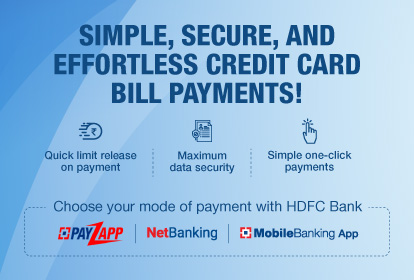
  1. Open your bank’s mobile app or website (e.g., SBI Card, ICICI iMobile, HDFC PayZapp, etc.).
  2. Log in using your customer ID and password.
  3. Navigate to the Credit Card Bill Payment section.
  4. Choose UPI as the payment method.
  5. Enter your UPI ID linked to your bank account.
  6. You will receive a payment request on your UPI app.
  7. Open the UPI app (Google Pay, PhonePe, Paytm, etc.), verify details, and authorize the payment.
  8. Once confirmed, you will receive a transaction success message.

2. Using UPI Payment Apps (Google Pay, PhonePe, Paytm, etc.)

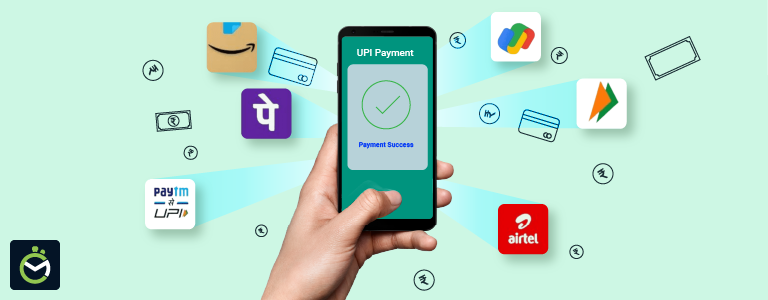
UPI-based apps like Google Pay, PhonePe, and Paytm allow direct credit card bill payments.

Steps to Pay via UPI Apps:

  1. Open your preferred UPI app (Google Pay, PhonePe, Paytm, etc.).
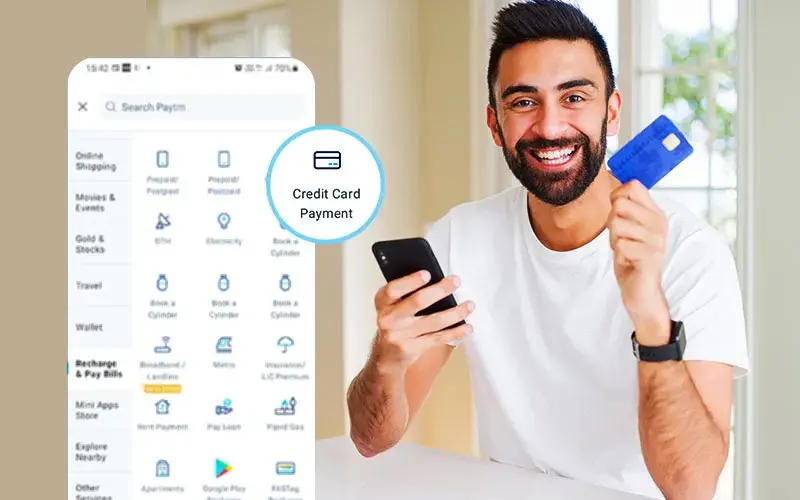
  2. Navigate to Bill Payments > Credit Card Payment.
  3. Select your Credit Card Provider (HDFC, SBI, ICICI, Axis, etc.).
  4. Enter your credit card number and verify the details.
  5. Enter the bill amount and select UPI as the payment mode.
  6. Choose your linked bank account and authorize the payment using UPI PIN.
  7. You will receive a confirmation message upon successful payment.

Many apps also offer rewards, cashback, or discounts when you pay credit card bills through them, so keep an eye out for special offers!

3. Using Bharat Bill Payment System (BBPS) via UPI Apps

BBPS is a government-backed payment system integrated with many UPI apps, making bill payments simple and efficient.

Steps to Pay via BBPS:

  1. Open Google Pay, PhonePe, Paytm, or any UPI app that supports BBPS.
  2. Go to Bill Payments > Credit Card Bills.
  3. Select the Credit Card Provider.
  4. Enter the credit card number and verify.
  5. Enter the bill amount.
  6. Pay via UPI-linked bank account.
  7. Receive confirmation upon successful transaction.

4. Scanning UPI QR Codes Provided by Banks

Some credit card issuers provide a UPI QR code for bill payments.

Steps to Pay via UPI QR Code:

  1. Open your UPI app.
  2. Select Scan & Pay.
  3. Scan the QR code provided by your credit card issuer.
  4. Enter the bill amount.
  5. Select your bank account and authorize the payment.
  6. Receive confirmation once payment is processed.

Common Issues and Troubleshooting

1. UPI Payment Fails – What to Do?

  • Ensure you have sufficient balance in your bank account.
  • Check if you have entered the correct credit card details.
  • Verify whether the UPI ID is correctly linked.
  • Retry after a few minutes if there is a server issue.
  • Contact your bank if the issue persists.

2. Payment Not Reflected in Credit Card Statement

  • Credit card payments may take up to 24 hours to reflect in your account.
  • If the payment is deducted but not credited, contact your bank’s customer care with the transaction ID.

Which Banks Allow Credit Card Bill Payments via UPI?

Most leading banks in India support UPI for credit card bill payments, including:

  • SBI Card
  • HDFC Bank
  • ICICI Bank
  • Axis Bank
  • Kotak Mahindra Bank
  • IndusInd Bank
  • Yes Bank
  • Bank of Baroda
  • IDFC First Bank

Each bank may have a slightly different process, so it’s best to check their official website or app for detailed instructions.

Conclusion

With the growing adoption of UPI in India, paying your credit card bills has never been easier. Whether you use your bank’s app, a UPI payment app like Google Pay or PhonePe, or the BBPS platform, the process is seamless, instant, and secure.

By following the methods outlined above, you can efficiently manage your credit card payments, avoid late fees, and maintain a good credit score. Start using UPI for your credit card bill payments today and experience the convenience of digital transactions.

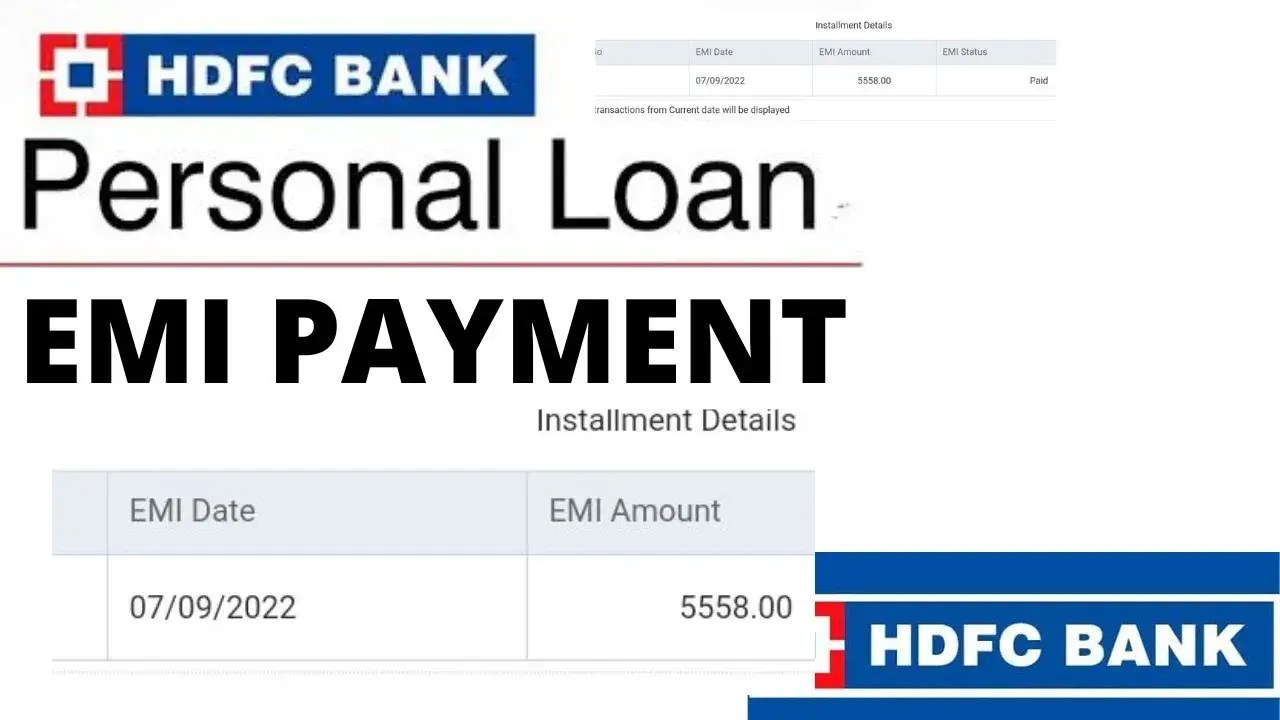
How to Pay HDFC Personal Loan EMI through UPI

HDFC Bank is one of India’s leading private sector banks, offering a variety of loan products, including personal loans. With the rise of digital payments in India, paying your HDFC Personal Loan EMI through UPI (Unified Payments Interface) has become one of the easiest, fastest, and most secure methods. Whether you use Google Pay, PhonePe, Paytm, BHIM UPI, or any other UPI-enabled app, you can make your loan repayment in just a few taps.

This guide explains the different ways you can pay your HDFC Personal Loan EMI using UPI, ensuring you never miss a due date and avoid late fees.

1. HDFC Bank Loan Payment Portal (Recommended)

HDFC Bank provides an online loan payment portal where customers can pay their EMI using UPI without logging into NetBanking.

Steps to pay their loan through HDFC Portal

1.     Visit the HDFC Loan Payment Page

·       Open your browser and go to HDFC Loan Payment Portal.

2.     Enter Your Loan Details

·       Provide your Loan Account Number and registered mobile number.

3.     Choose UPI as Payment Method

·       Select UPI from the payment options and enter your UPI ID (e.g., yourname@upi).

4.     Approve the Payment on Your UPI App

·       You will get a payment request on your UPI app (Google Pay, PhonePe, Paytm, BHIM, etc.).

·       Open the app and approve the transaction by entering your UPI PIN.

5.     Get Confirmation

·       Once the payment is successful, you’ll receive an SMS or email confirmation from HDFC Bank.

·       The EMI payment will reflect in your loan account within 24 hours.

2. Paying via UPI Apps (Google Pay, PhonePe, Paytm, BHIM)

Almost all UPI apps allow users to pay loan EMIs directly without logging into bank portals.

Steps for pay using UPI Apps

  1. Open Your Preferred UPI App (Google Pay, PhonePe, Paytm, BHIM, etc.).
  2. Go to ‘Bill Payments’ or ‘Loan Repayment’ Section.
  3. Search for ‘HDFC Bank Loan Payment’.
  4. Enter Your Loan Account Number and Verify the Details.
  5. Choose UPI as the Payment Method and Proceed.
  6. Enter Your UPI PIN to Complete the Payment.
  7. Receive an SMS or Email Confirmation from HDFC Bank.

This method is quick and hassle-free, and your EMI payment is instantly deducted from your bank account.

3. HDFC NetBanking or Mobile Banking App

If you have an HDFC savings account, you can also pay your EMI through the HDFC Mobile Banking App or HDFC NetBanking.

Steps for using HDFC NetBanking

  1. Login to HDFC NetBanking or Mobile Banking App.
  2. Go to ‘Loan Accounts’ → ‘Loan Payment’.
  3. Choose UPI as the Payment Option.
  4. Enter Your UPI ID and Verify Payment.
  5. Approve the Transaction on Your UPI App.
  6. Receive a Confirmation Message Once Payment is Successful.

This method is useful for those who have an HDFC Bank account linked to their loan.

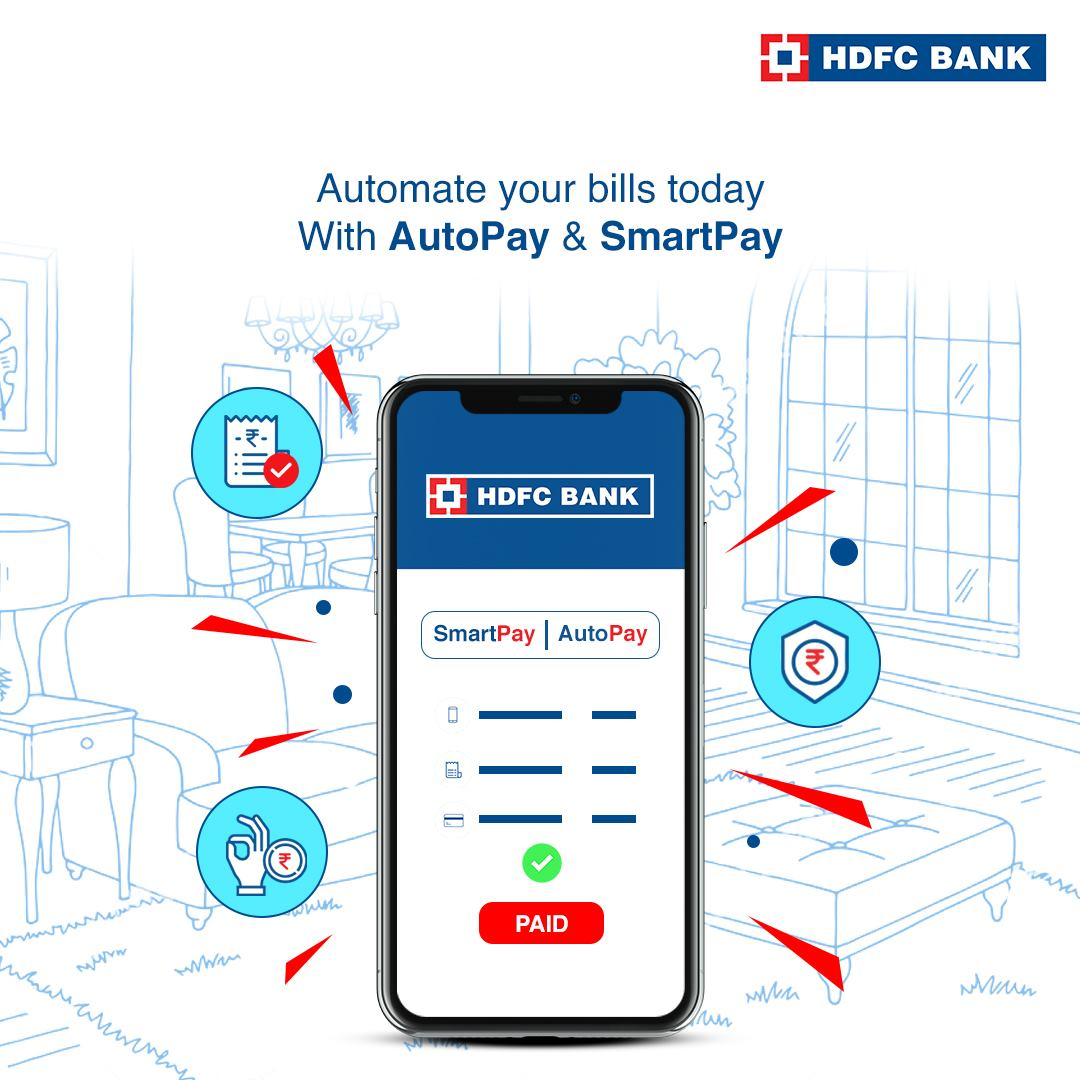
4. Auto Debit via HDFC SmartPay (UPI AutoPay)

Many Indians prefer automatic EMI payments to avoid missing due dates. HDFC offers SmartPay, which allows users to set up UPI AutoPay for automatic EMI deductions.

Steps to Set Up AutoPay

  1. Login to HDFC NetBanking and go to BillPay & Recharge.
  2. Select ‘Register for SmartPay’.
  3. Enter Your Loan Details and UPI ID.
  4. Enable Auto-Debit for Monthly EMI Payments.
  5. Confirm and Authenticate Using Your UPI App.
  6. Your EMI Will Be Automatically Deducted Every Month on the Due Date.

This method ensures that you never miss an EMI payment, helping you maintain a good credit score.

5. Bharat Bill Payment System (BBPS) via UPI Apps

The Bharat Bill Payment System (BBPS) is a government-backed facility that allows you to repay loans securely using UPI apps.

Steps for using Bharat Bill Payment System (BBPS)

  1. Open Google Pay, PhonePe, Paytm, or BHIM App.
  2. Go to ‘BBPS’ → ‘Loan Repayment’ Section.
  3. Select ‘HDFC Bank Loan’ and Enter Loan Account Number.
  4. Choose UPI as the Payment Method.
  5. Approve Payment via UPI PIN.
  6. Get a Confirmation Notification from HDFC.

This method is reliable and government-regulated, making it a secure way to pay your EMIs.

Things to Keep in Mind before Doing Payments

  • Always verify your Loan Account Number before making a payment.
  • UPI payments may take up to 24 hours to reflect in your loan account.
  • If you miss an EMI payment, HDFC may charge late fees and penalties.
  • For AutoPay, ensure your linked UPI account has sufficient balance before the due date.
  • Keep a record of payment receipts to track your loan repayments.
  • UPI payments are free of charge, but some third-party apps may apply transaction limits.

Conclusion

Paying your HDFC Personal Loan EMI through UPI is an easy, fast, and secure method that eliminates the need for cash payments or long bank queues. With multiple options like HDFC’s Loan Payment Portal, UPI apps, NetBanking, BBPS, and AutoPay, you can choose the method that suits you best.

For best results, consider setting up AutoPay via UPI to avoid missing EMI due dates and ensure a smooth repayment process. Keep your UPI-linked bank account funded, and enjoy the convenience of digital payments.

Pro Tip: If you ever face issues with UPI payments, contact HDFC Bank Customer Care or check the status of your transaction in your UPI app.

How to Use UPI for Payments Without an Internet Connection?

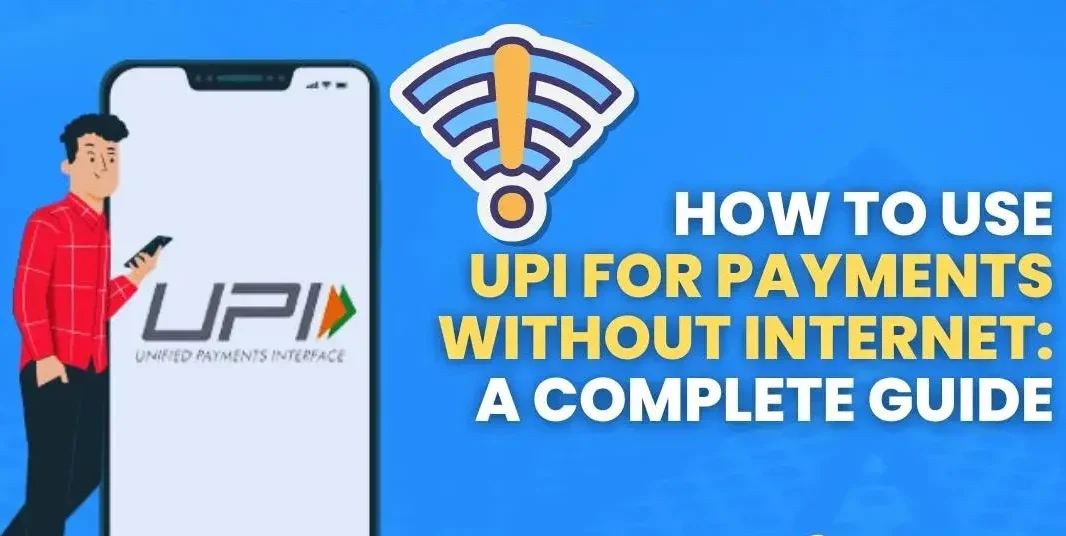
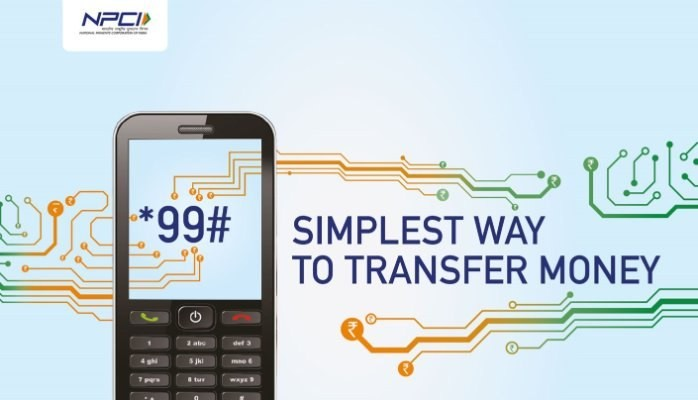
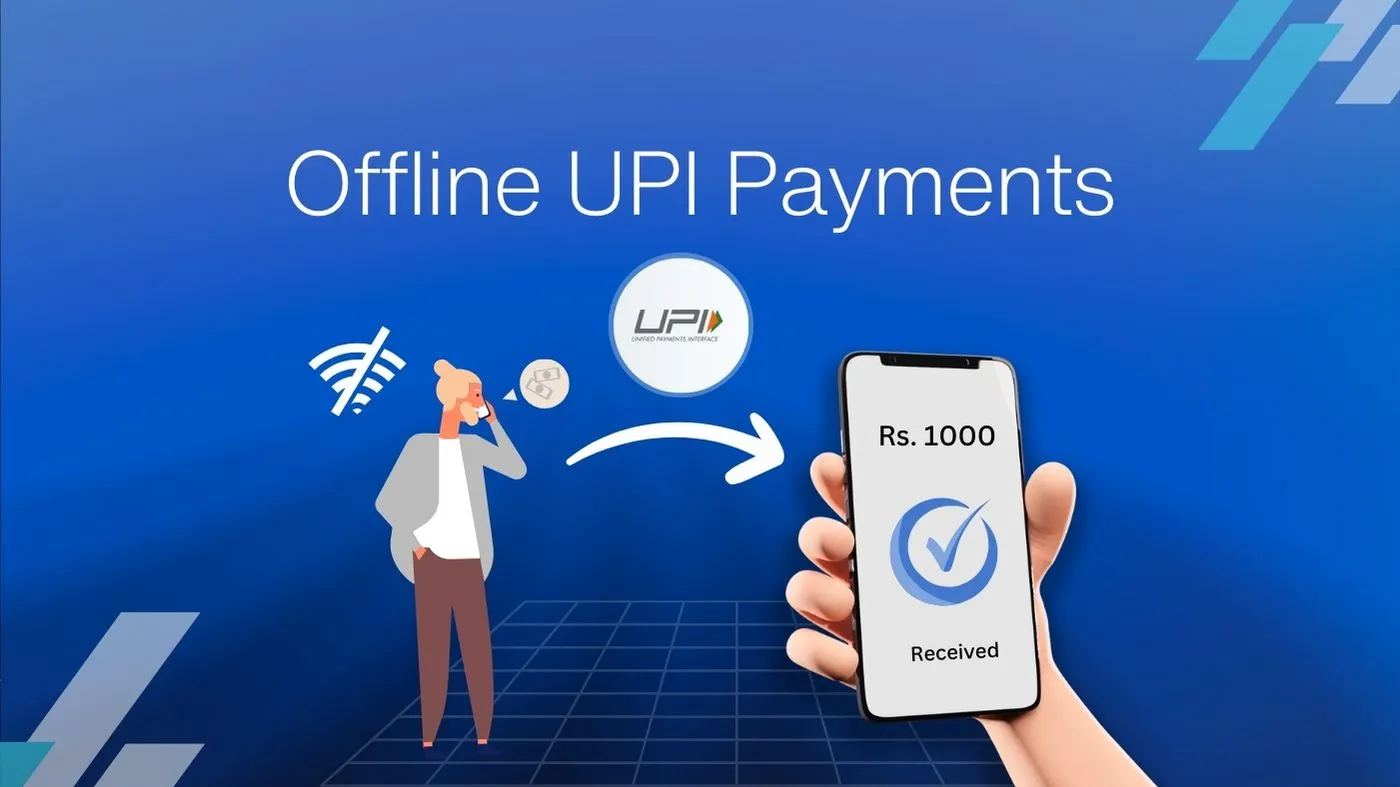
In today’s fast-paced digital world, UPI has revolutionized the way we make payments. But what happens when you don’t have an internet connection? The good news is that you can still transfer money seamlessly without mobile data or Wi-Fi. With the help of *99# USSD service and UPI 123Pay, even those using basic mobile phones or living in areas with poor connectivity can make secure transactions. This guide will walk you through the simple steps to use UPI offline and ensure smooth, hassle-free payments anytime, anywhere.

What is the Unified Payments Interface (UPI)?

Unified Payments Interface (UPI) is a digital payment system developed by the National Payments Corporation of India (NPCI). It allows users to send and receive money instantly using a mobile phone. With UPI, you don’t need to remember complicated bank details. Instead, you can transfer money using a simple UPI ID, mobile number, or QR code. The system works 24/7, making transactions fast, secure, and convenient.

How to Make UPI Payments Without an Internet Connection?

UPI is widely used in India for digital transactions, but many people wonder if it can work without an internet connection. The good news is that you can still make UPI payments without the internet using two special methods:

  1. USSD-based 99# service
  2. UPI 123Pay

These methods are designed to help people in areas with poor internet connectivity or those using basic mobile phones.

Method 1: Using *99# USSD Service

The 99# USSD (Unstructured Supplementary Service Data) service allows you to access banking services by dialing *99# on your phone. It works on all mobile phones, including feature phones, without requiring an internet connection.

Steps to Make UPI Payments via 99

  1. Dial *99# from your mobile phone (your number must be linked to your bank account and UPI).
  2. A menu will appear with several options:

Send Money: Transfer money to another person.

Request Money: Ask someone to send you money.

Check Balance: See how much money is in your bank account.

My Profile: View your UPI ID and bank details.

Pending Requests: Check any money requests that are waiting for approval.

  1. Select ‘Send Money’ by entering the corresponding number shown on the screen.
  2. Choose how you want to send money:

Using Mobile Number: Enter the recipient’s mobile number that is linked to UPI.

Using UPI ID: Enter the recipient’s UPI ID, such as name@upi.

Using Bank Account + IFSC Code: Enter the bank account number and IFSC code of the recipient.

  1. Enter the recipient’s details based on your selection.
  2. Enter the amount you wish to transfer.
  3. Verify the details and enter your UPI PIN to authorize the payment.
  4. Once the transaction is completed, you will receive a confirmation message.

Note: Your telecom provider may charge a small fee for USSD transactions.

Method 2: Using UPI 123Pay

UPI 123Pay is a system developed by NPCI to help people make digital payments without an internet connection. It works using:

  • IVR (Interactive Voice Response)
  • Missed Calls
  • Sound-based Payments

Steps to Make UPI Payments via UPI 123Pay

1. IVR-Based Payment Method
  1. Dial the UPI 123Pay number provided by your bank or NPCI.
  2. Listen to the automated voice instructions carefully.
  3. Select the ‘Money Transfer’ option by pressing the relevant key on your phone.
  4. Enter the recipient’s mobile number or UPI ID.
  5. Enter the amount you want to send.
  6. Confirm the transaction details and enter your UPI PIN.
  7. The payment will be processed, and you will get an SMS confirmation.
2. Missed Call Payment Method
  1. Call the UPI 123Pay number assigned by your bank.
  2. The call will disconnect automatically, and you will receive a callback from the system.
  3. Follow the voice instructions and select the option to send money.
  4. Enter the recipient’s mobile number, UPI ID, or bank account details.
  5. Enter the transaction amount.
  6. Confirm the details and enter your UPI PIN to authorize the payment.
  7. You will receive a confirmation SMS after the payment is successful.
3. Sound-Based Payment Method
  1. This method is mainly for shopkeepers and merchants.
  2. The merchant’s device sends a special sound signal containing payment details.
  3. Your mobile phone detects this sound and initiates the transaction process.
  4. Verify the transaction details displayed on your phone.
  5. Enter your UPI PIN to approve the payment.
  6. You will get an SMS confirmation once the payment is completed.

Advantages of Offline UPI Payments

  • Works without mobile data or Wi-Fi.
  • Can be used on any mobile phone, including feature phones.
  • Helps people in villages and remote areas with poor internet connectivity.
  • Safe and secure transactions.
  • No need for smartphone apps like Google Pay or PhonePe.
  • Available in multiple languages for better accessibility.

Final Thoughts

UPI payments without the internet are a game-changer, making digital banking accessible to more people across India. Whether you use *99# USSD banking or UPI 123Pay, these methods ensure that even those without smartphones or internet access can easily send and receive money.

This innovation supports financial inclusion by allowing millions of people to experience the convenience of cashless transactions. So, the next time you’re out of internet data but need to make a payment, just dial *99# or use UPI 123Pay to complete your transaction smoothly!

Digital Payments System available in E-Commerce in India 2025

The rapid evolution of online commerce in India has ushered in a new era where digital transactions not only streamline financial operations but also empower consumers and businesses alike. At the forefront of this transformation is the electronic payment system in e-commerce, a pivotal technology that has redefined how money moves, bolstering convenience, security, and overall economic growth.

In this comprehensive guide, we explore the intricacies of electronic payment systems, their evolution in the Indian context, the critical role they play in e-commerce, and what the future holds for this dynamic landscape. Whether you are a business owner looking to optimize your payment processes or a digital enthusiast curious about the technological underpinnings of online payments, this article is crafted to provide valuable insights.

Introduction: The Digital Revolution in Indian Commerce

India’s digital transformation is nothing short of revolutionary. Fueled by widespread mobile connectivity, robust government initiatives like Digital India, and a burgeoning startup ecosystem, the country has embraced a cashless future. Electronic payment systems have become a cornerstone of this evolution, enabling seamless and secure financial transactions that empower millions of users daily.

These systems not only facilitate the purchase of goods and services online but also promote financial inclusion by integrating rural and urban populations into the digital economy. With the proliferation of various payment methods such as credit and debit cards, digital wallets, and the innovative Unified Payments Interface (UPI), India stands at the cutting edge of global digital payment trends.

Understanding Electronic Payment Systems in India

At its core, an electronic payment system is a framework that processes financial transactions through digital channels. In India, these systems have grown exponentially, driven by the need for speed, accuracy, and security in an increasingly cashless society.

What Constitutes an Electronic Payment System?

Electronic payment systems in India include a range of technologies that facilitate the transfer of money without the need for physical cash. These encompass:

  • Credit and Debit Cards: Traditional yet evolving, these cards remain vital in online transactions.
  • Digital Wallets: Platforms such as Paytm, PhonePe, and Google Pay have transformed the payment landscape with their ease of use and rapid processing.
  • Unified Payments Interface (UPI): Launched by the National Payments Corporation of India (NPCI), UPI has revolutionized bank-to-bank transfers, offering instant, round-the-clock transactions.
  • Net Banking: A method that leverages secure online banking platforms for direct bank transfers.
  • Emerging Payment Methods: With the rise of technology, cryptocurrencies and blockchain-based solutions are beginning to find their footing in India.

These systems eliminate the need for physical interaction with banks or cash, thereby reducing manual errors, lowering transaction costs, and ultimately contributing to a more efficient economy.

The Evolution of Electronic Payment Systems in India

India’s journey toward digital payments has been marked by significant milestones. Initially reliant on traditional banking and cash transactions, the Indian market experienced a paradigm shift with the introduction of internet banking and mobile technology. Key developments include:

Digital India Initiative

Launched in 2015, the Digital India initiative has been instrumental in accelerating the adoption of digital payment systems. By focusing on infrastructure development, digital literacy, and government services integration, this initiative has helped bridge the digital divide, enabling a broader segment of the population to participate in the digital economy.

The Emergence of UPI

Perhaps the most notable innovation in recent years has been the Unified Payments Interface (UPI). By enabling instant bank-to-bank transfers using just a mobile phone, UPI has become a game changer. Its user-friendly interface, coupled with robust security protocols, has led to unprecedented growth in digital transactions. Today, UPI is not only a symbol of financial innovation in India but also a model being emulated by other countries worldwide.

The Rise of Digital Wallets

Digital wallets have also seen explosive growth, driven by the convenience they offer in everyday transactions. They allow users to store funds, make quick payments, and even avail discounts and cashback offers. This innovation has helped drive consumer adoption of digital payments, particularly among the younger, tech-savvy demographic.

Key Benefits of Electronic Payment Systems in E-Commerce

The integration of electronic payment systems into e-commerce platforms offers numerous benefits, driving both consumer satisfaction and business efficiency.

Convenience and Speed

One of the most significant advantages of electronic payment systems is the unmatched convenience they offer. Indian consumers no longer need to stand in long queues at banks or ATMs. Instead, they can complete transactions in seconds from the comfort of their homes or on the go using their smartphones. This speed not only enhances the user experience but also contributes to higher conversion rates for businesses.

Enhanced Security

Security is paramount in digital transactions, and Indian payment systems are built with robust security measures. Key technologies include:

  • Encryption: Protects data in transit, ensuring that sensitive information remains confidential.
  • Tokenization: Replaces sensitive data with unique tokens, reducing the risk of data breaches.
  • Fraud Detection Algorithms: Utilize real-time analytics to monitor transactions and identify suspicious activity.
  • Multi-Factor Authentication (MFA): Adds extra layers of security by requiring additional verification steps such as One-Time Passwords (OTPs).

These measures comply with standards set by global bodies and the Reserve Bank of India (RBI), ensuring that both consumer and merchant data are well-protected.

Global Reach with a Local Focus

Electronic payment systems in India are designed to cater to both domestic and international markets. This dual focus allows businesses to expand their reach globally while still addressing local consumer needs. The integration of global payment solutions with India-specific platforms like RuPay and UPI bridges the gap between international standards and local practices, offering a balanced approach to digital payments.

Cost-Effectiveness

For businesses, particularly small and medium enterprises (SMEs), the adoption of electronic payment systems translates into significant cost savings. Automated processes reduce the need for manual intervention, thereby lowering operational expenses. Moreover, digital reconciliation processes minimize errors and streamline financial management, allowing businesses to allocate resources more efficiently.

Financial Inclusion

Electronic payment systems are also instrumental in driving financial inclusion in India. By simplifying the process of making and receiving payments, these systems encourage more individuals, especially those in remote areas, to engage in the formal economy. This broader inclusion contributes to overall economic growth and stability.

Types of Electronic Payment Systems in India

India offers a rich variety of electronic payment options, each designed to cater to different user needs and transaction scenarios.

Credit and Debit Cards

Credit and debit cards remain a popular choice for online transactions due to their widespread acceptance and reliability. These traditional payment methods continue to evolve with enhanced security features like EMV chips and contactless payment options, ensuring that they remain a staple in the digital payment ecosystem.

Digital Wallets

Digital wallets have become synonymous with convenience and speed in India. By storing digital money securely, these wallets enable users to make instant payments, manage expenses, and even invest in financial products. Their integration with various retail and e-commerce platforms has made them indispensable tools for modern consumers.

Unified Payments Interface (UPI)

UPI has revolutionized the payment landscape with its simplicity and efficiency. The ability to transfer money between bank accounts in real-time without the need for detailed bank information makes UPI an ideal solution for both personal and business transactions. Its widespread adoption across various apps and platforms underscores its pivotal role in India’s push toward a cashless society.

Net Banking

Despite the rise of newer payment methods, net banking continues to play a critical role in India’s digital payment system. Many consumers appreciate the direct link between their bank accounts and online transactions, which offers a sense of security and trust. Net banking remains a reliable option for those who prefer traditional methods enhanced by modern security protocols.

Emerging Technologies: Cryptocurrencies and Beyond

While still in its nascent stages, the adoption of cryptocurrencies in India is gradually increasing. These decentralized payment systems offer an alternative to traditional financial institutions, appealing to tech-savvy users and those interested in innovative financial solutions. Coupled with blockchain technology, cryptocurrencies hold the potential to further transform the digital payment landscape in India.

Overcoming Challenges in the Digital Payments Landscape

While the benefits of electronic payment systems in India are numerous, the sector faces several challenges that must be addressed to ensure continued growth and security.

Cybersecurity Threats

As digital transactions increase, so does the risk of cyberattacks. Malicious actors are constantly evolving their tactics, making cybersecurity a top priority for payment providers. Ongoing investments in advanced security protocols and regular system updates are crucial to mitigate these threats.

Regulatory Compliance

Navigating the regulatory landscape can be complex for businesses operating in the digital payments space. Compliance with evolving guidelines set forth by the RBI and international standards requires constant vigilance and adaptation. However, strict regulatory frameworks also ensure that all players maintain high security and ethical standards.

Technological Advancements

The rapid pace of technological change presents both opportunities and challenges. Payment providers must continually innovate to meet consumer expectations while maintaining robust security measures. This requires significant investment in research and development as well as collaboration with technology partners.

Infrastructure and Accessibility

Despite impressive growth, there are still areas in India where digital infrastructure is underdeveloped. Bridging the digital divide and ensuring that all citizens, including those in rural areas, have access to reliable digital payment solutions remains a critical challenge.

Future Trends: Paving the Way for Next-Generation Digital Payments

Looking ahead, the future of electronic payment systems in India is bright and filled with exciting possibilities. Several trends are poised to further transform the landscape:

Blockchain and Decentralized Finance

Blockchain technology offers enhanced transparency, security, and efficiency in transactions. As this technology matures, it is expected to play a larger role in streamlining payment processes, reducing fraud, and potentially lowering transaction costs.

Artificial Intelligence and Machine Learning

The integration of AI and machine learning into payment systems will enhance fraud detection and improve the overall user experience. These technologies can analyze vast amounts of data in real time, identifying patterns that may indicate fraudulent activities and allowing for quicker, more accurate responses.

Biometric Authentication

The adoption of biometric authentication methods, such as fingerprint and facial recognition, is set to become more prevalent. These technologies not only streamline the payment process but also provide an additional layer of security, reducing the likelihood of unauthorized transactions.

Greater Financial Inclusion

Efforts to expand digital payment solutions to every corner of India will continue to drive financial inclusion. By providing secure and accessible payment methods to underserved populations, electronic payment systems can help bridge economic gaps and promote overall growth.

Integration with Internet of Things (IoT)

The IoT revolution is set to integrate seamlessly with digital payment systems. From smart appliances to connected vehicles, the ability to process transactions through everyday devices will further embed digital payments into daily life, making transactions smoother and more intuitive.

Conclusion: A New Era for Indian E-Commerce

The electronic payment system in e-commerce in India is more than just a technological advancement, it is a transformative force that is reshaping the nation’s financial landscape. By offering unparalleled convenience, robust security, and significant cost-effectiveness, these systems empower both consumers and businesses to thrive in an increasingly digital economy.

As India continues on its journey toward becoming a cashless society, the future of digital payments looks promising. Innovations such as UPI, digital wallets, blockchain, and AI-powered fraud detection are driving this evolution forward, ensuring that India remains at the forefront of global digital payment trends. With ongoing efforts to overcome challenges like cybersecurity threats and regulatory complexities, the path to a fully integrated digital payment ecosystem is clearer than ever.

In conclusion, the evolution of electronic payment systems in India is a testament to the country’s commitment to innovation and progress. As digital technologies continue to advance, these systems will undoubtedly play a critical role in shaping the future of e-commerce, driving financial inclusion, and transforming the way we transact in a rapidly digitizing world.